 10016
10016Easily find text converters, image editors, and developer utilities.
Convert RGBA color codes to HEX format instantly
Convert RGBA color codes to HEX format instantly
Enter an RGBA or RGB color, or use the picker. Conversion updates as you type.
rgb(r, g, b) or rgba(r, g, b, a) — values 0–255, alpha 0–1
RGBA to HEX Converter is a free online tool for converting RGBA color code to HEX format. RGBA and HEX are the most common color code formats other than HSL (HSLA) and predefined color codes.
RGBA stands for red, blue, green, and alpha (opacity). Red, green, and blue are numbers between 0 to 256 while alpha (opacity) is between 0 to 1. These values express the amount of any r, g, b color in the mixture. For example, if the color code is rgb(255,0,0), this is pure red as there is no green and blue in the mixture while red is maximum. HEX color code works just like that, but the main difference is it uses base 16 or hexadecimal number system to represent each color. There are 6 digits, each pair represents red, green, and blue respectively.
For the example in the image, if you convert each r, g, b number to hexademcimal, 0 => 00, 82 => 52, 204 => cc, you will get the HEX code. Since alpha opacity is 1, HEX color have 6 digits.
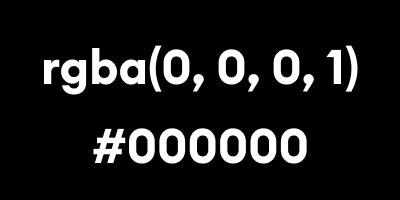
How how rgba to hex conversion works? works
You can convert a RGBA color to HEX by following these steps.