
10016
Tool Categories
Text Tools
Image Tools
CSS Tools
Coding Tools
Color Tools
Social Media Tools
Miscellaneous Tools

Easily find text converters, image editors, and developer utilities.

Image Filters

Apply artistic filters and adjustments to your images online for free.

Upload an image before starting to crop

Comments

U

Similar Image Tools

See All

Image Cropper

Crop unwanted areas from images and download the selected portion.

Image Resizer

Resize images to specific dimensions while maintaining quality.

Image Compressor

Reduce image file size without losing quality.

What is Online Image Filters?

Image Filters is a free online tool for applying filters on images. There are different types of filters you can apply to an image. They can be either color manipulation such as brighten, lighten, darken, saturate/desaturate, greyscale, hue, tint, shade, dither, invert, or image distortion such as blur, horizontal flip, vertical flip, fisheye.

There are many different image filters available. You can manipulate images in different aspects. Here are short explanations of some image filters you can use:
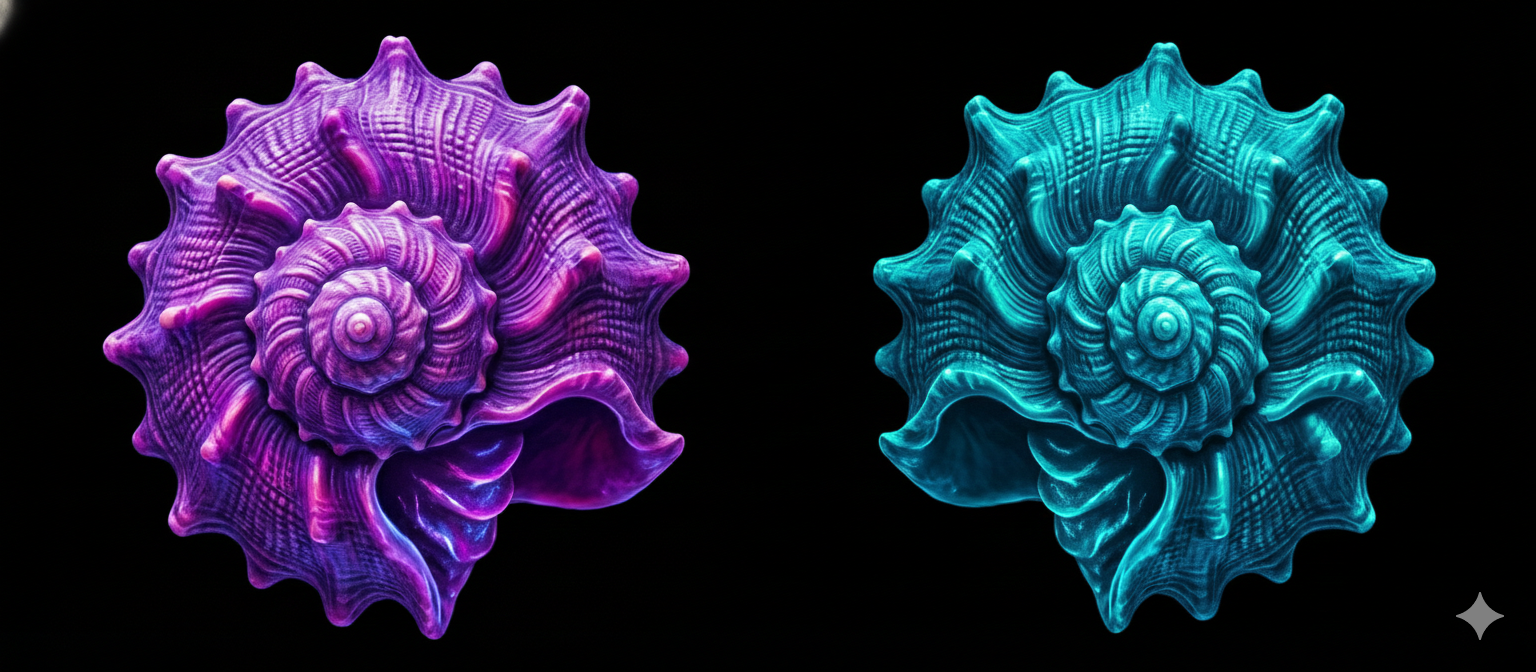
  • Lighten/Darken:Makes an image lighter or darker.
  • Brighten:Increases brightness of the image.
  • Saturate/Desaturate:Sets the color saturation of the image. If saturation level of an image is low, it tends to become black & white.
  • Blur:Makes image blurrier. It gives an effect to an image like an unfocused camera.
  • Greyscale:Makes an image black & white.
  • Hue:Changes the reference of a color with respect to Red, Green and Blue. It takes values between 0° to 360°.
  • Fisheye:Gives fisheye lens effect to the image.
  • Invert:Inverts all colors of an image to its inverse (opposite) colors.
  • Flip Horizontal/Vertical:Flips image in horizontal or vertical axis. It gives mirror effect to an image.
Before and After Image Filter

How what is online image filters? works

How to use Online Image Filters?

You can apply filters to an image by following these steps.

1.Upload the image you want to apply filters by using the drop area, or by browsing from your local device.
2.Select an image filter from the list.
3.Some filters need a value between a range while others don't. If no extra option is needed, the filter will be applied right after. If it's needed, you must set it, and click "Apply" button to activate the selected image filter.
4.You can download the filtered image by using "Download" button or reset all filters by using "Reset" button.