 10016
10016Easily find text converters, image editors, and developer utilities.
Apply Instagram-like filters to your images
Apply Instagram-like filters to your images
Upload an image before starting to apply filters
Instagram Filters is a free online tool for applying Instagram-like filters on images. All filters are set for achieving the same effect that Instagram gives on photos with its filters on the mobile app. If you don't want to use the mobile app of Instagram and need an online web tool which mimics Instagram filters on your web browser, you are in the right place. Here is an example on how Instagram Filters works on same image.
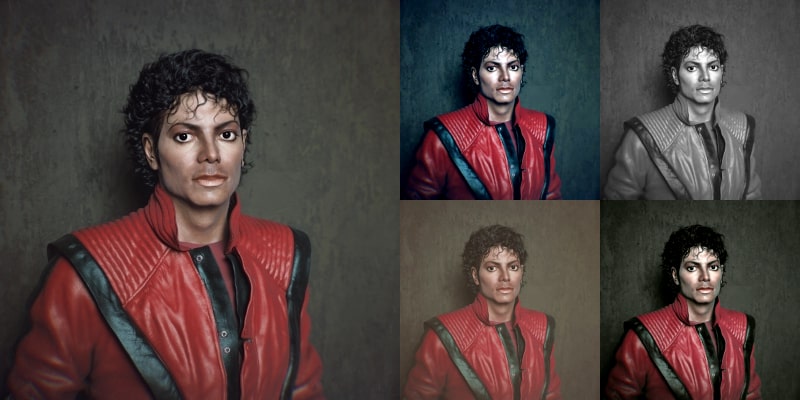
Instagram Filters Example
There are several filters on Instagram. All give a different feel on an image, some turns the image into a more vivid one while some turns it to an old photo. Here is a list of all Instagram filters with small details about them.
Normal: Original version of the image. You can compare the filtered one with the original version to see the effect of filter.
Clarendon: It adds a blueish overlay while increases the contrast of the image a little bit.
Gingham, Reyes & Aden: After using these filters, your image will look like an old photo.
Moon: As the name suggests, it desaturates all colors and makes your image black & white.
Lark: It increases the vividness and contrast of the picture while adding a blue tone on the image.
Juno: This filter decreases the saturation of the photo while adding a turquoise effect.
Slumber, Crema & Ludwig: These three filters all desaturate the colors but have different color overlays.
Perpetua: It adds blue and yellow overlays on the image slightly.
You can apply Instagram filters to an image by following these easy steps.